
Webhooks
Webhooks allow you to build integrations that subscribe to specific events on Tuwexinc. When one of these events is triggered, we’ll send an HTTP POST payload to the webhook’s configured URL.
Managing Webhooks
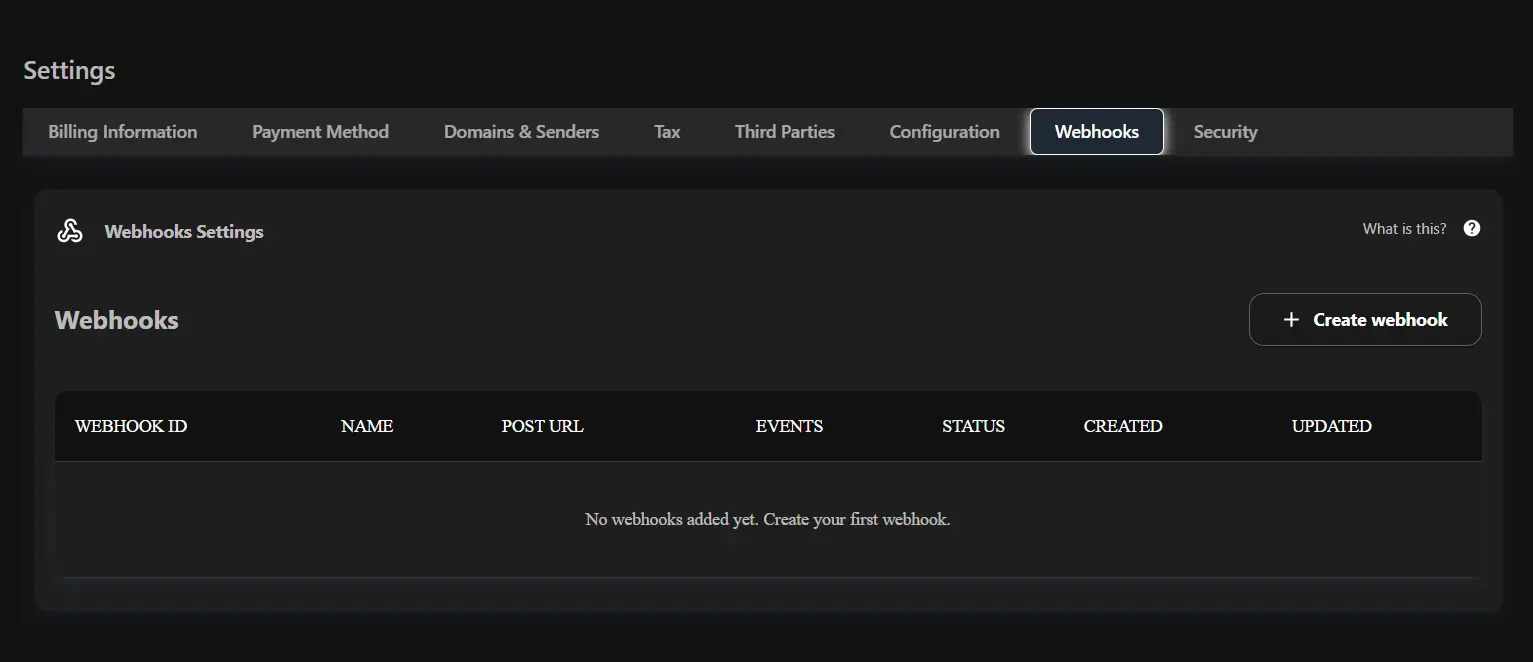
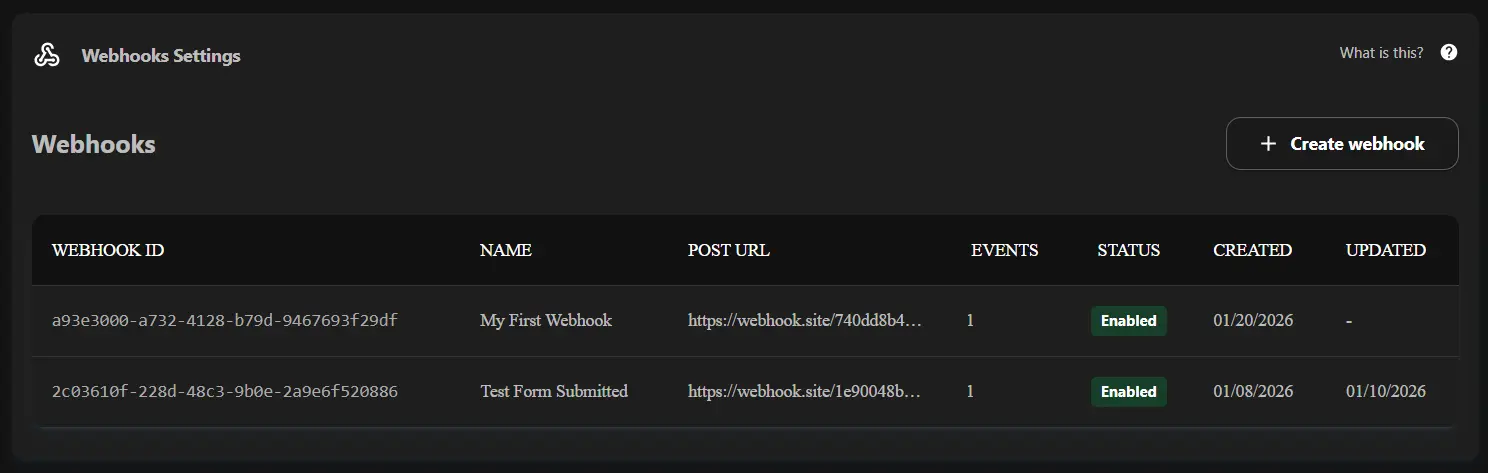
To manage your webhooks, navigate to the Webhooks tab in your Settings dashboard. Here you can see a list of your configured webhooks and their status.
Creating a Webhook
To create a new webhook, click on the + Create webhook button. This will open the configuration wizard.
Step 1: Configuration
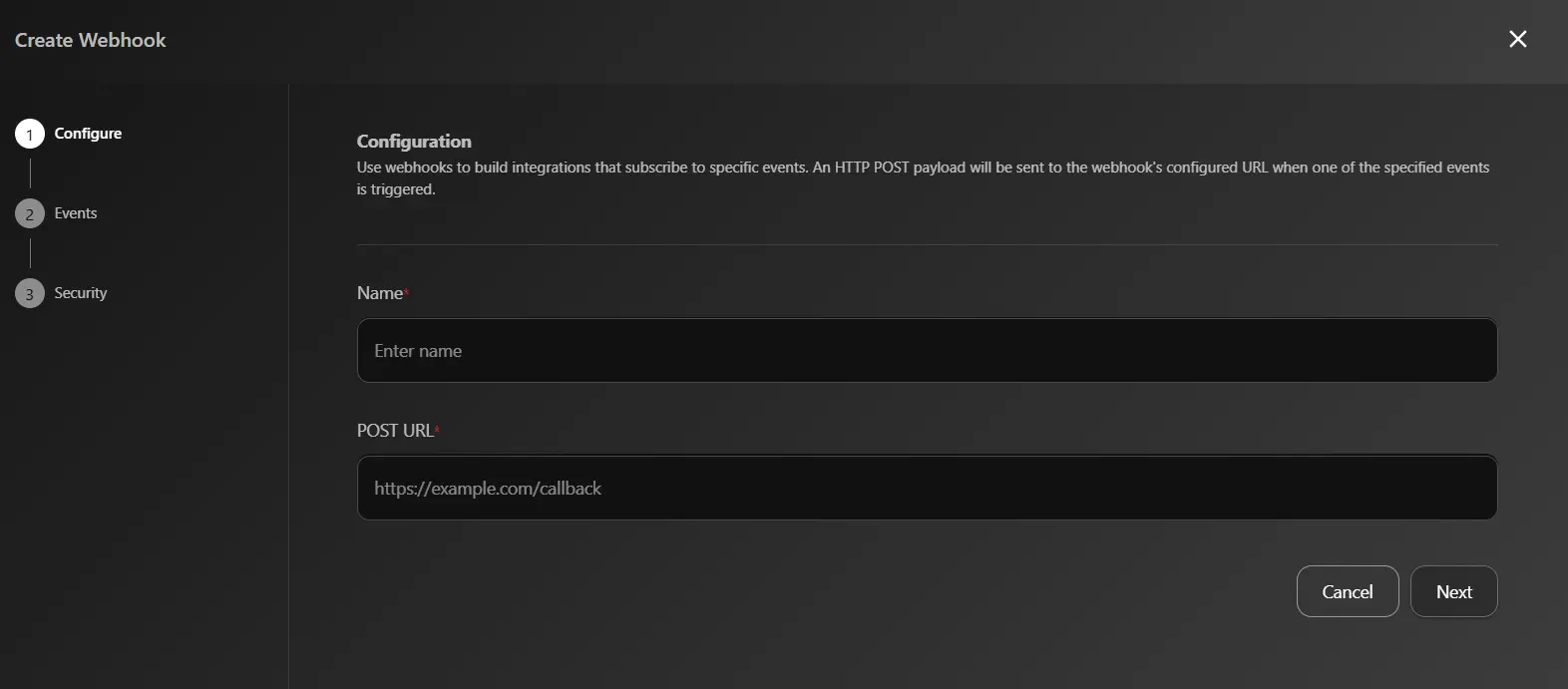
First, you need to provide a Name for your webhook and the POST URL where the payload will be delivered.
- Name: A descriptive name for the webhook (e.g., “Zapier Integration”).
- POST URL: The endpoint URL on your server that will receive the webhook events.
Step 2: Select Events
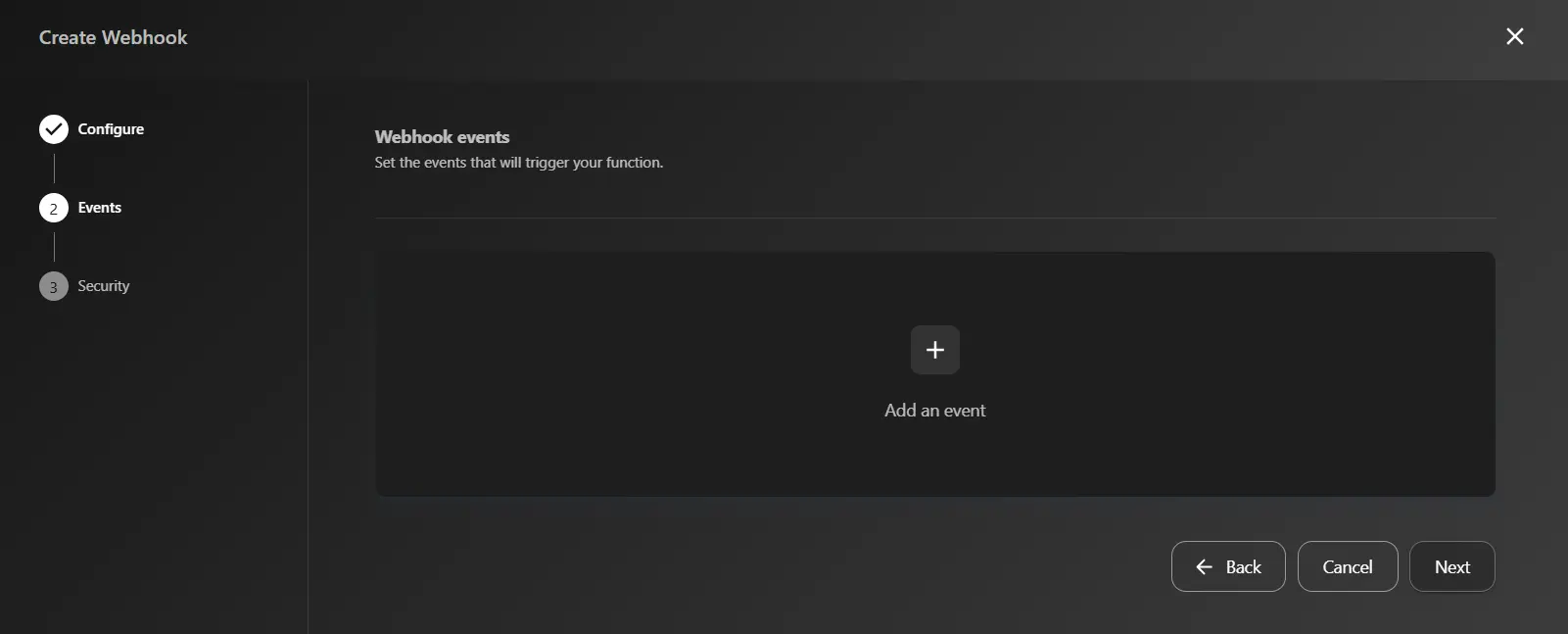
Next, you need to select which events will trigger this webhook. Click on + Add an event to see the list of available events.
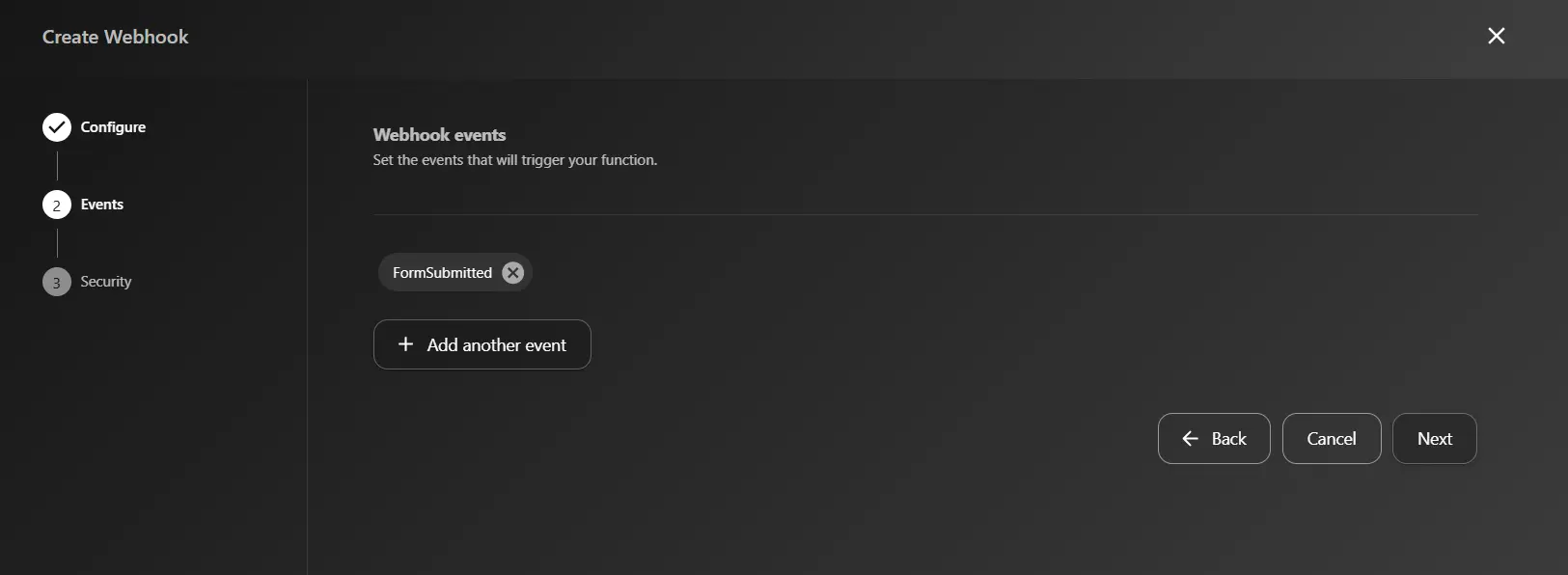
Select the events you want to subscribe to. For example, you can choose FormSubmitted to receive notifications whenever a form is submitted.
Step 3: Security
Finally, configure any optional authentication methods.
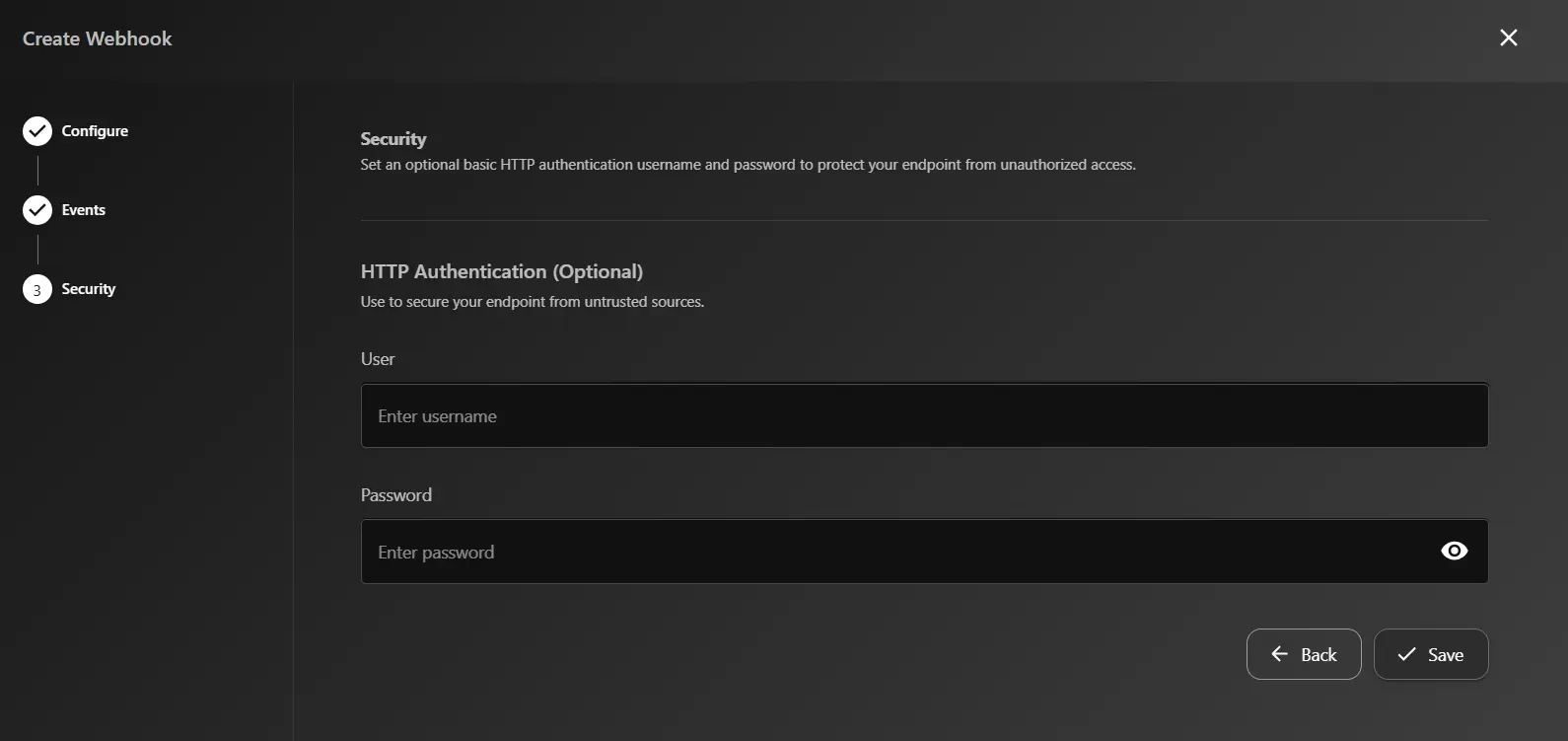
Once you have configured the settings, click Save to create your webhook.
View Webhooks
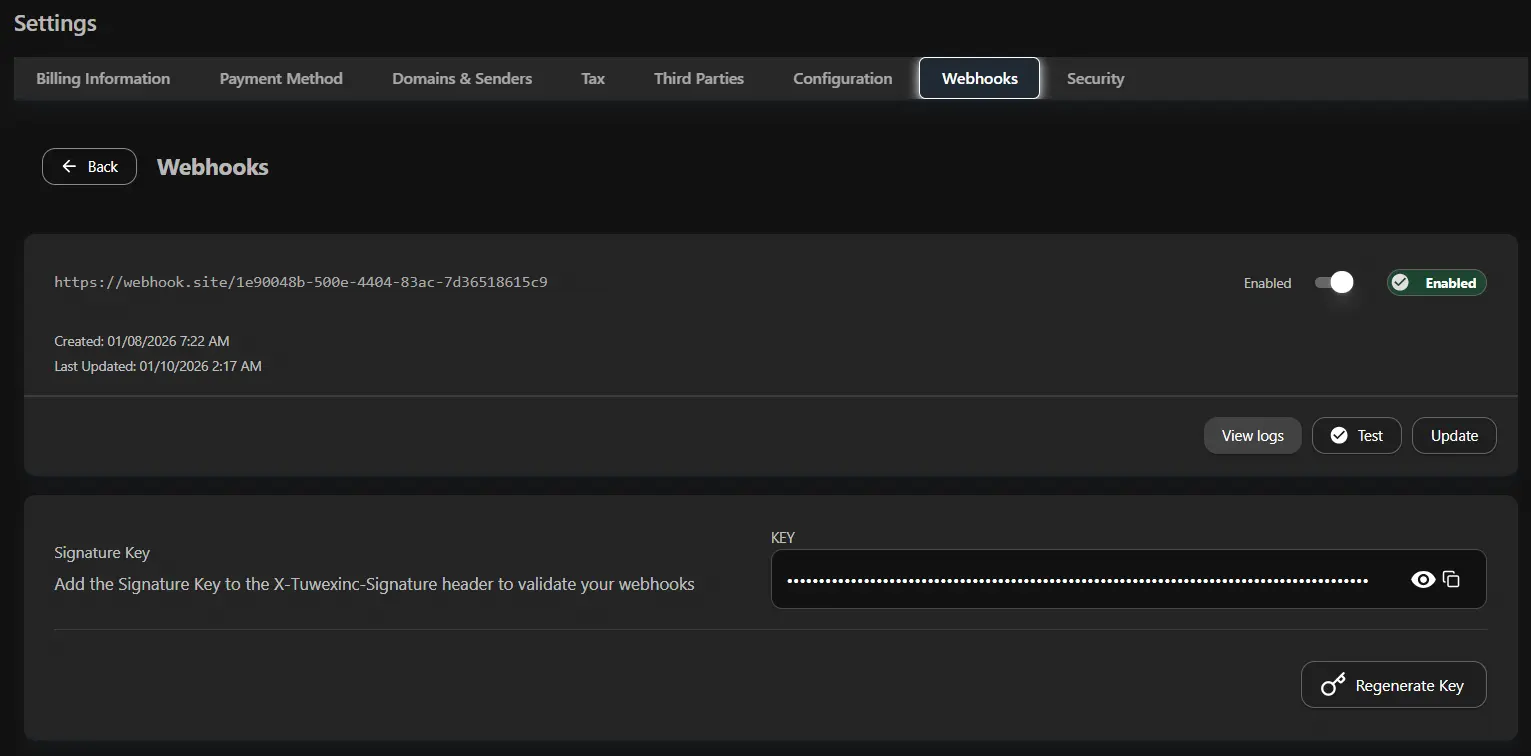
Once created, you can view your webhook. Click on the webhook row in the table to access the details.
Here you can find the Signature key needed for verification. You can also Test the connection by sending a test payload, Enable or Disable the webhook, or View the logs.
Troubleshooting
Clicking View logs shows the last request depending on the event that triggered the webhook. You can check the request and response headers and body to debug any issues.
Here is an example of the logs you can check:
--- Webhook Request ---
Time: 2026-01-21T02:42:42.6104310Z
Method: POST
URL: https://webhook.site/740dd8b4-2ff5-40ca-9c6a-b9b481a1fc60
Headers:
  X-Tuwexinc-Webhook-Id: a93e3000-a732-4128-b79d-9467693f29df
  X-Tuwexinc-Webhook-Events: formsubmitted
  X-Tuwexinc-Webhook-Name: My First Webhook
  X-Tuwexinc-Signature: e2c0b9d71c1ebf2f57f12aa9cb1d74f9d81135af
Body:
{"When":"2026-01-21T02:42:42.0082075Z","Payload":{"formName":"Test Form 1","submitted":[{"fieldId":"4575f0df-069a-48d5-9dec-ee9f8170f971","placeholder":"","type":"radio-buttons","value":"Option 1"},{"fieldId":"54aa89e2-241d-4cec-bd99-837eaf61b1f6","placeholder":"","type":"checkboxes","value":"[\u0022Option 2\u0022]"}]},"Type":"FormSubmitted"}
--- Webhook Response ---
Time: 2026-01-21T02:42:43.0690994Z
StatusCode: 200 OK
Headers:
  Server: nginx
  Transfer-Encoding: chunked
  X-Request-ID: ceb71c80-b129-4b21-8db7-a008b5f00067
  x-token-id: 740dd8b4-2ff5-40ca-9c6a-b9b481a1fc60
  Cache-Control: no-cache, private
  Date: Wed, 21 Jan 2026 02:42:40 GMT
Body:
This URL has no default content configured. <a href="https://webhook.site/#!/edit/740dd8b4-2ff5-40ca-9c6a-b9b481a1fc60">Change response in Webhook.site</a>.
Webhook Headers
When a webhook is triggered, Tuwexinc sends several HTTP headers to your endpoint.
| Header | Description |
|---|---|
x-tuwexinc-webhook-id | The ID of the Webhook who triggered the event. |
x-tuwexinc-webhook-name | Name of the webhook as specified in your app. |
x-tuwexinc-webhook-events | Names of the events that triggered this delivery. |
x-tuwexinc-signature | The HMAC-SHA1 signature of the payload. This is used to verify the authenticity of the payload. |
Verification
To ensure the security of your integrations, you verify that requests are coming from Tuwexinc.
Webhooks can be verified by using the x-tuwexinc-signature header.
This is the HMAC-SHA1 signature of the payload. You can find the signature key in your webhooks properties in the dashboard.
To generate this hash:
- Append the payload to the end of your webhook URL (ensure there are no spaces in between).
- Use the HMAC-SHA1 algorithm to generate the signature using your key.
- Compare the generated signature to the
x-tuwexinc-signatureheader value.
If they match, the payload is valid and you can trust it came from Tuwexinc.
Payload
Each event type has a specific payload format with the relevant event information. All event payloads mirror the payloads for the API payload which parallel to the event types.
Here is an example of the JSON sent by the webhooks:
{
  "When": "2026-01-21T02:42:42.0082075Z",
  "Payload": {
    "formId": "bbfbaa72-d130-46b6-a983-de21191fb211",
    "formName": "Test Form 1",
    "submitted": [
      {
        "fieldId": "4575f0df-069a-48d5-9dec-ee9f8170f971",
        "placeholder": "",
        "type": "radio-buttons",
        "value": "Option 1"
      },
      {
        "fieldId": "54aa89e2-241d-4cec-bd99-837eaf61b1f6",
        "placeholder": "",
        "type": "checkboxes",
        "value": ["Option 2"]
      }
    ]
  },
  "Type": "FormSubmitted"
}